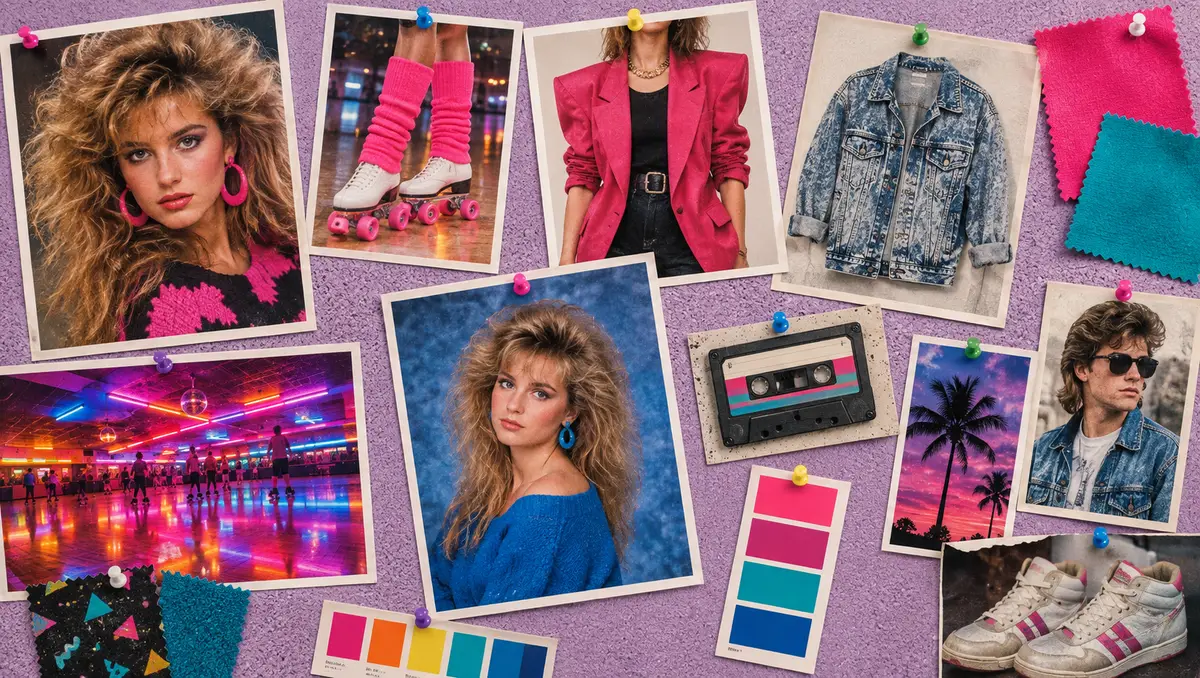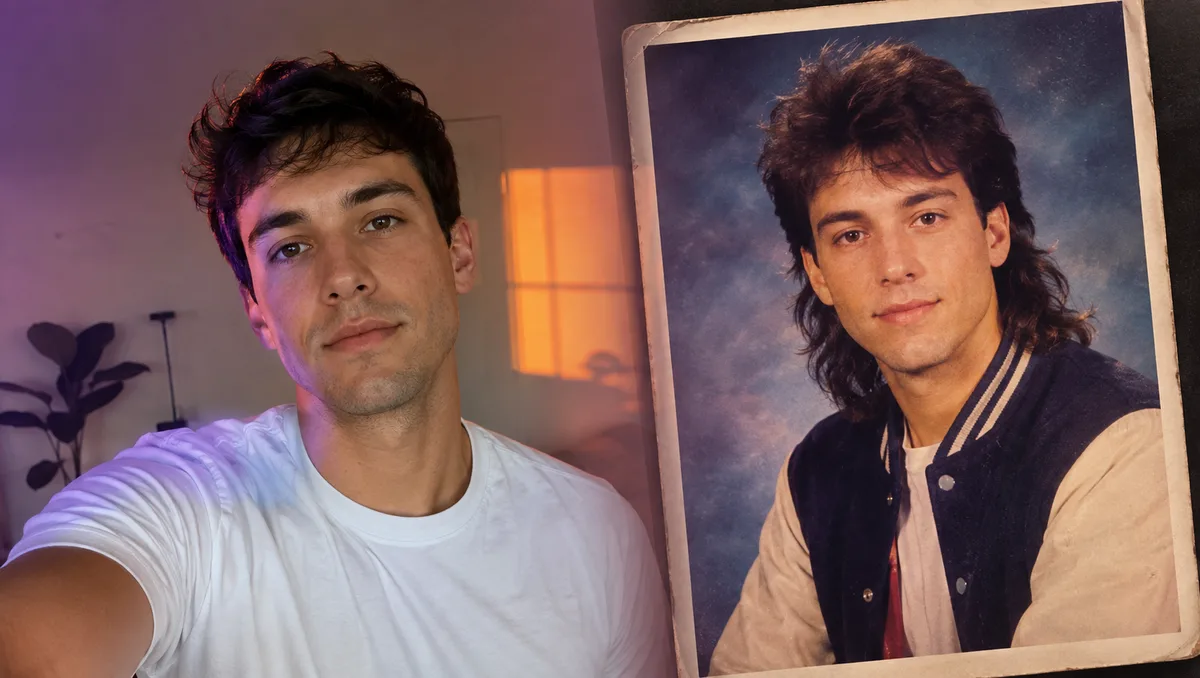
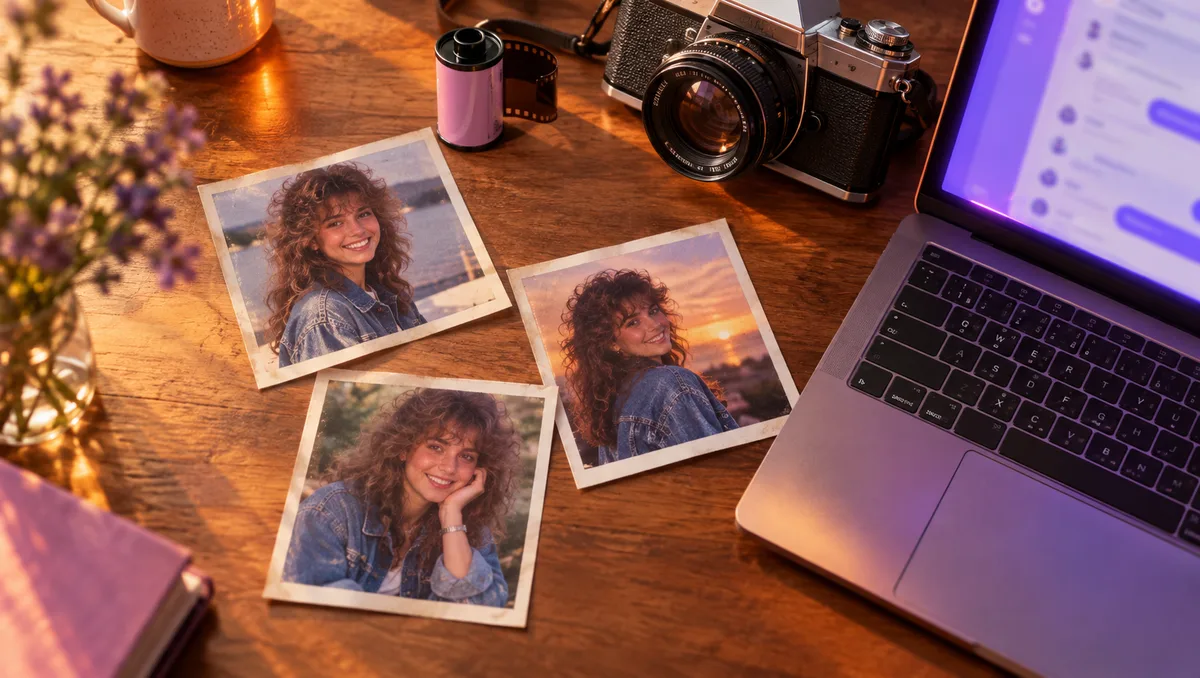
A 1980s photo prompt is a short block of text you send to ChatGPT together with your own photo. Written well, it turns an ordinary selfie into something that looks like it came out of a shoebox of old prints: feathered hair, a patterned sweater, a mottled studio backdrop and warm, slightly faded film color.
This guide walks through the whole process in ChatGPT, explains what each part of a good prompt does, and gives you three prompts you can copy right now. If you would rather skip the writing, the free prompt library has 50+ ready prompts for women, men, couples, families and friends.
What you need before you start
- A ChatGPT account with image generation. Availability varies by plan and region, so check what your own account includes.
- A clear photo. Front-facing, well lit and sharp, with no sunglasses, hats or heavy filters. The better the AI can see your face, the better it can keep it.
- One idea for the scene. A portrait studio, a yearbook photo, a prom night. Pick one; mixing three settings in one image rarely works.
Step by step: using a 1980s photo prompt in ChatGPT
Step 1: Start a fresh chat
Open a new conversation. Old chats carry earlier instructions and images, which can pull the result in odd directions.
Step 2: Attach your photo and paste the prompt in the same message
Upload your selfie, then paste the 1980s photo prompt into the message box before you press send. Sending both together tells ChatGPT to edit your picture rather than invent a stranger who merely fits the description.
Step 3: Review the first result
Look at the face first, then the details. Is it still you? Do the hair, clothing and background read as the decade? Is there stray text, a phone or a modern car?
Step 4: Refine with one small change
If the image is close, reply with a single adjustment such as "warmer film tones" or "bigger hair". One change per message keeps everything else stable. When you are happy with it, download the image.
Anatomy of a strong 1980s photo prompt
Every prompt in our library follows the same five-part structure. Once you see it, you can write your own or adjust any prompt without breaking it.
1. The identity-preserving prefix
This is the most important sentence, and it always goes first:
Use the uploaded photo as the reference and keep my face, identity, skin tone and expression exactly the same.
Putting it at the start matters. Instructions buried at the end of a long prompt tend to carry less weight.
2. Subject and pose
Say who is in the picture and how they stand: "a young woman looking over one shoulder" or "a couple, he stands behind her". A simple, natural pose keeps faces visible.
3. Hair
Hair does a lot of the time-travel work. Name a specific style: big permed curls, a feathered side part, a mullet, teased high-volume hair, or a side ponytail with a scrunchie.
4. Outfit
Specific clothing beats the word "retro". Try an acid-wash denim jacket, a shoulder-pad blazer, a Fair Isle sweater, a varsity jacket or a color-block windbreaker. For many more options, see our list of 80s look prompt ideas.
5. Setting and film look
Describe one place and one camera finish. For the place: a mottled blue-grey studio backdrop, a wood-paneled living room or a neon roller rink. For the finish: warm Kodak color with grain, a harsh on-camera flash or a soft-focus glamour glow. Then end with a short ban on modern things: no smartphones, modern cars, logos or text.
You can assemble all five parts by clicking options in the prompt builder, which writes the full text for you.
Three ready-to-use 1980s photo prompts
Copy any of these, attach your photo in ChatGPT and send them together.
Woman: 1980s portrait studio
Use the uploaded photo as the reference and keep her face, identity, skin tone and expression exactly the same. Create a classic 1980s portrait-studio picture: big teased curls with a side sweep, frosted pink lipstick, soft blue eyeshadow, a black blazer with sharp shoulder pads and oversized clip-on earrings. She turns her shoulders slightly and looks toward the camera with a warm smile. Mottled lilac and grey canvas backdrop, one soft key light and a gentle hair light, a light soft-focus glow, warm Kodak film color with fine grain. No modern makeup styles, phones, logos or text.
Man: 1980s high-school yearbook
Use my uploaded photo and keep the man's face, identity and expression completely unchanged. Create his 1980s high-school yearbook portrait: a side-parted feathered haircut with a little gel, a burgundy polo shirt buttoned to the top under a grey V-neck sweater vest. Head tilted slightly in the classic school-photo pose. Behind him, a purple and blue laser-beam backdrop. Flat, even studio flash, a soft vignette, warm print colors with light grain. No modern hairstyles, earbuds, text or year labels.
Couple: 1980s prom night
Use the uploaded photo and keep both faces, identities and expressions exactly the same. Pose them as a 1980s prom couple: he stands behind her in a white dinner jacket with a pastel pink cummerbund and matching bow tie; she wears a teal taffeta gown with big ruffled sleeves, a wrist corsage and crimped, hairsprayed hair. Behind them, a silver tinsel curtain and a balloon arch. Hard studio flash, slightly blown highlights, candy-colored film tones. No phones, modern suits or banner text.
Common problems and fixes
The face drifts or looks like someone else
- Make sure the identity sentence is the very first line of your 1980s photo prompt.
- Use a sharper, front-facing photo without sunglasses or strong shadows.
- If a follow-up edit made things worse, start a new chat and re-upload the original photo instead of stacking corrections.
- For group photos, check that every face is clearly visible in the upload.
The image looks too glossy or modern
A clean digital finish is the giveaway. Add film language: "visible film grain", "slightly faded colors", "on-camera flash", "soft focus". Describing a warm Kodak print or a faded Polaroid gets you much closer than the single word "vintage".
The era details are wrong
Image models sometimes blend decades, giving you 1970s flares or 1990s grunge. Replace vague words with concrete 1980s items: shoulder pads, acid-wash denim, leg warmers, a boombox, wood paneling. Remove anything that belongs to another era, and keep "1980s" or a specific year such as 1986 in the prompt.
Random text or garbled signs appear
Generated lettering is often misspelled. Add "no readable text, logos or signs" to the end of the prompt, and avoid asking for posters or banners with words on them. If a sign still appears, ask ChatGPT to remove only that element and keep everything else the same.
FAQ
Is a 1980s photo prompt free to use?
Yes. Every prompt in our library and every prompt you build with the prompt builder is free to copy and use in ChatGPT. Whether ChatGPT itself can generate images for you depends on your account.
Why does ChatGPT give me a different picture every time?
Image models create each result from scratch, so the same prompt and photo can produce new poses and lighting. To keep a version you like, stay in that conversation and ask for small edits to it.
Can I use the same prompt in Gemini?
Mostly, yes. The five-part structure works in both tools. Gemini has its own habits around wording and follow-up edits, which we cover in our Gemini 1980s AI photo prompt guide.
What if I don't want to use ChatGPT at all?
Upload your photo to the AI generator on our home page, pick a ready-made 1980s style or paste any prompt, and it renders the image with GPT Image 2.5. The generator uses credits; see pricing for the plans.
Ready to try it?
Pick a look from the 1980s photo prompt library, attach a clear selfie in ChatGPT and send them together. If you want to fine-tune the details, build your own version in the prompt builder, or skip the chat entirely and create your 80s portrait in the generator.