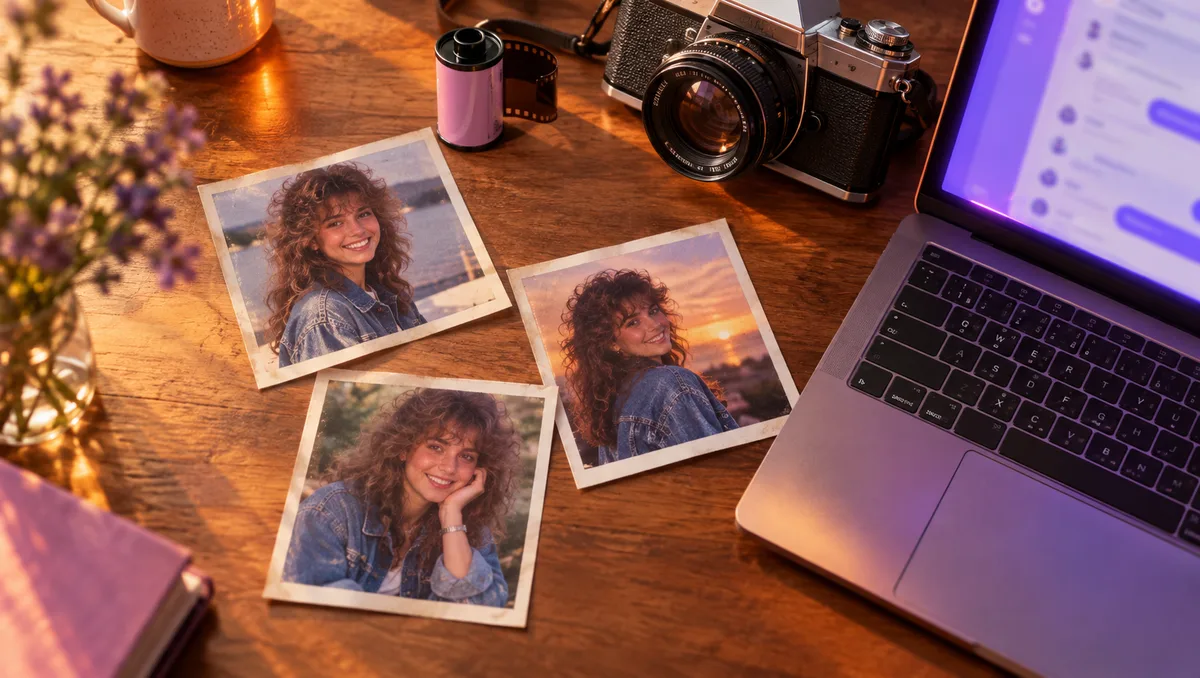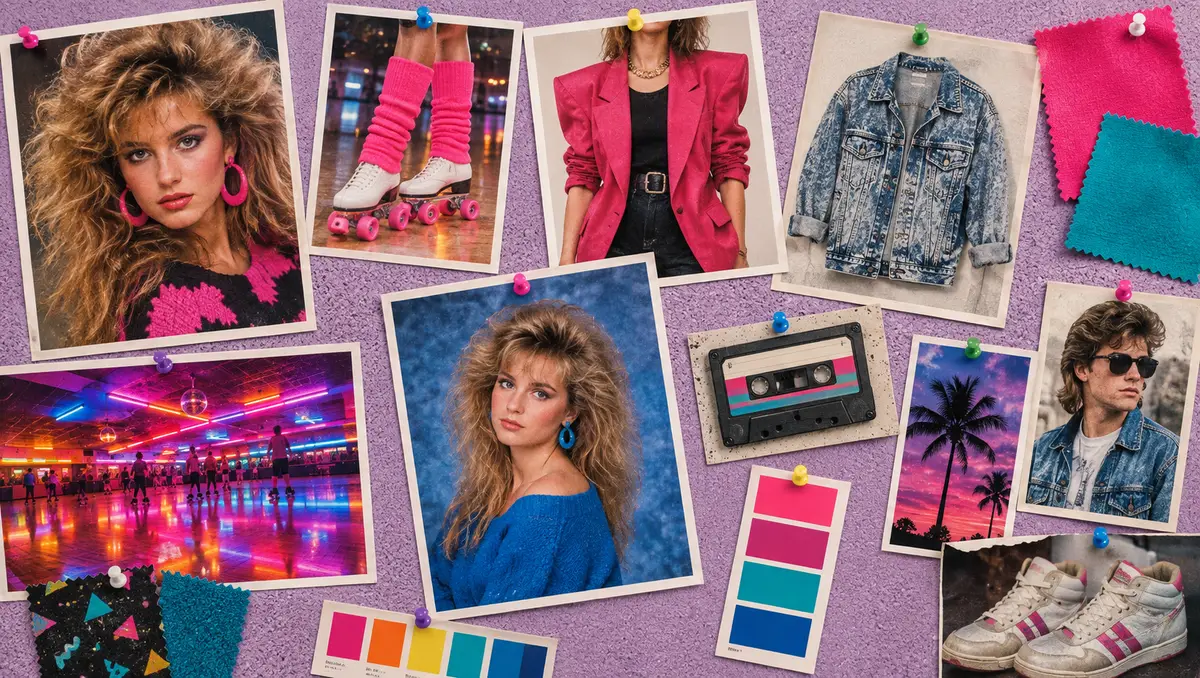
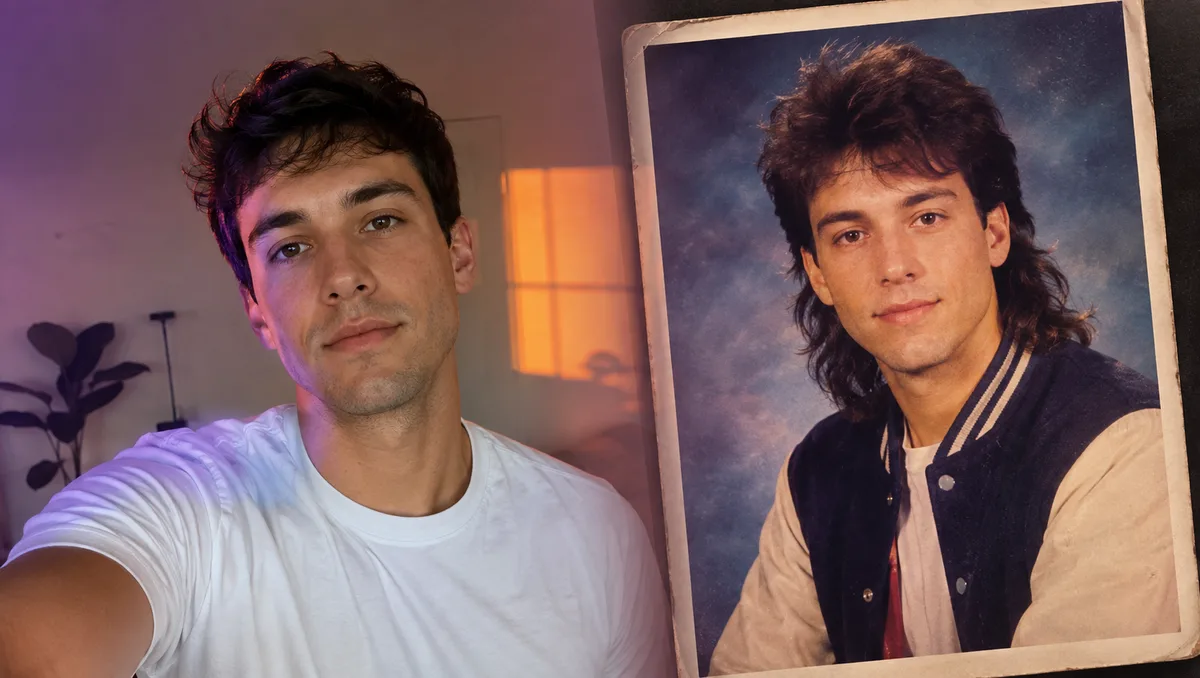
Gemini can turn a regular photo into a convincing retro portrait, but only if the prompt keeps your likeness in charge. A good 1980s AI photo prompt for Gemini does two jobs at once: it describes the decade in concrete detail, and it tells the model, clearly and early, that your face must stay yours.
This guide covers how to upload your photo, the wording that tends to work well, how to iterate without losing the face, and three prompts you can copy. It ends with when it makes more sense to use our own generator instead.
Before you start
- Check the image features on your account. Whether Gemini can edit or generate images for you depends on your account, and availability varies by plan and region.
- Choose the right photo. Sharp, front-facing and evenly lit, with nothing covering the face. For groups, every face should be visible and not too small.
- Crop out distractions. A busy modern background gives the model more present-day details to carry over into the result.
How to upload your photo and send the prompt
1. Open a new chat
Start fresh so earlier conversations don't influence the result.
2. Upload the photo first
Add your image to the message, then paste your 1980s AI photo prompt into the same message. Sending them together makes it clear that you want your photo transformed, not a new person generated from text.
3. Check the face before anything else
Judge the likeness first. Clothes and backgrounds are easy to adjust later; a face that has drifted is much harder to bring back.
4. Save the version you like
When a result works, download it before asking for more changes, so you always have a good copy.
Prompt wording that works well in Gemini
Lead with identity, in plain words
Open with a direct instruction:
Use the uploaded photo and keep my face, identity, skin tone, age and expression exactly the same.
For a group, write "keep every person's face, identity and expression recognizable" instead.
Describe a photo, not a style
"80s style" is vague. "A 1986 family album print with on-camera flash and warm faded colors" describes an actual photograph the model can picture. Include a year, a place and a camera finish.
Name specific period items
Hair (big permed curls, feathered sides), clothing (a pastel windbreaker, shoulder pads, acid-wash denim) and props (a boombox, a rotary phone, shopping bags, a mirror ball). Concrete nouns beat adjectives every time.
Close with what to leave out
End every 1980s AI photo prompt with a short list: "no smartphones, modern cars, logos or readable text". It stops present-day details from filling empty space in the scene.
Keep it to one scene
A prompt with a studio, a beach and a nightclub is really asking for three photos. Pick one.
Iterate one change at a time
Follow-up messages are where Gemini can help most, and where likeness most often slips. A few habits make a big difference:
- One edit per message. "Add more film grain." Then, in a separate message, "make her hair bigger."
- Refer to the current image. "Keep everything else the same and change only the jacket to a teal windbreaker."
- Repeat the face instruction if it starts to drift. A short "keep my face exactly the same as in my original photo" is often enough.
- Restart instead of stacking fixes. If several edits have pulled the image away from you, open a new chat, upload the original photo again and send your improved 1980s AI photo prompt in one go.
If you want a quicker way to assemble a clean base prompt, the prompt builder writes one in a few clicks, with the identity line already at the start. For more hair and outfit phrases to swap in, see our 80s look prompt ideas.
Three 1980s AI photo prompts for Gemini
Family album at home
Use the uploaded photo and keep every family member's face, identity, age and expression recognizable. Turn it into a 1980s family album print: everyone squeezed together on a floral upholstered sofa, a boldly patterned pastel sweater, a cream cardigan over a blouse, light-wash jeans, one person holding a ceramic mug. Wood-paneled wall, a fern in a porcelain pot, a bookshelf with framed photos and a mantel clock. Direct on-camera flash, slightly soft focus, warm faded colors with a faint yellow cast. No flat-screen TVs, phones or text.
Friends at the mall
Use the uploaded photo and keep all the friends' faces, identities and expressions exactly the same. Place the group inside a shopping mall on a Saturday afternoon in 1986: pastel windbreakers, a satin racer jacket, a mini skirt over leggings, slouch socks with high-top sneakers, big permed and spiked hair, shopping bags and giant soda cups. They lean on a railing above a fountain atrium with potted palms and glass elevators. Skylight daylight mixed with fluorescent tubes, bright pastel colors, point-and-shoot sharpness. No modern stores, logos, phones or readable text.
Neon roller rink
Use the uploaded photo and keep her face, identity and expression unchanged. Show her at a 1984 roller rink on a Saturday night: side ponytail tied with a neon scrunchie, pink and turquoise striped leg warmers over white quad skates, a cropped satin bomber jacket and high-cut shorts. She leans on the rink wall mid-laugh while skaters blur past. Pink and blue neon tubes, a spinning mirror ball throwing light spots across a glossy wooden floor. Pushed high-speed film, heavy grain, colorful light trails. No modern skates, phones or readable signs.
Common problems and fixes
The face changes after a follow-up edit
Restate the identity instruction in the edit message, and ask for a single change only. If it still drifts, start a new chat with the original photo.
Group photos lose someone's likeness
Use a photo where the faces are large and clear, and keep the group small. Ask the model to keep every person recognizable rather than trying to describe each face.
The result looks like a modern photo with a filter
Add a year, on-camera flash, film grain and faded color, and name at least one period outfit and one period setting.
Gemini adds text or logos
Add "no readable text, logos or signs", and avoid asking for banners, posters or shop names in the scene.
When to use our generator instead
Chat tools are great for experimenting, but sometimes you just want the picture. The AI generator on our home page is built for that one job:
- Upload a photo, then tap a ready-made 1980s style or paste any prompt into the custom tab.
- The keep-your-face and period-accuracy instructions are added for you.
- It renders with GPT Image 2.5, and you can download the result in HD without a watermark.
The generator needs an account and uses credits for each image, and credits are refunded if a generation fails. You can compare plans on the pricing page. Copying prompts from the library stays free either way.
FAQ
Does the same 1980s AI photo prompt work in ChatGPT?
Yes, the wording carries over. The upload-and-paste steps differ slightly, and we cover them in how to use a 1980s photo prompt in ChatGPT.
Can I write the prompt in Chinese?
Yes. Gemini understands Chinese prompts, and every prompt in our prompt library comes in both English and Simplified Chinese.
Why doesn't Gemini generate an image at all?
Image features depend on your account, and availability varies by plan and region. If you can't generate images there, you can paste the same prompt into our generator.
How do I get more variety in hair and outfits?
Swap one layer at a time using the phrase lists in our 80s look prompt ideas, and keep the identity sentence untouched.
Try your first prompt
Copy one of the three prompts above, upload a clear photo in Gemini and send them together. For more scenes, browse the 1980s photo prompt library, shape your own in the prompt builder, or skip the chat and create your 80s portrait in the generator.